
Master Revit MEP Online in Just 12 Weeks – Get Certified, Get Hired!
India’s Top-Rated Revit MEP Training for HVAC, Plumbing & Electrical Design.
✅ Taught by MEP Industry Experts
✅ Live + Recorded Classes
✅ Hands-on Revit Projects
✅ Certificate + Placement Support
*Limited discount, now at RS.8800/-
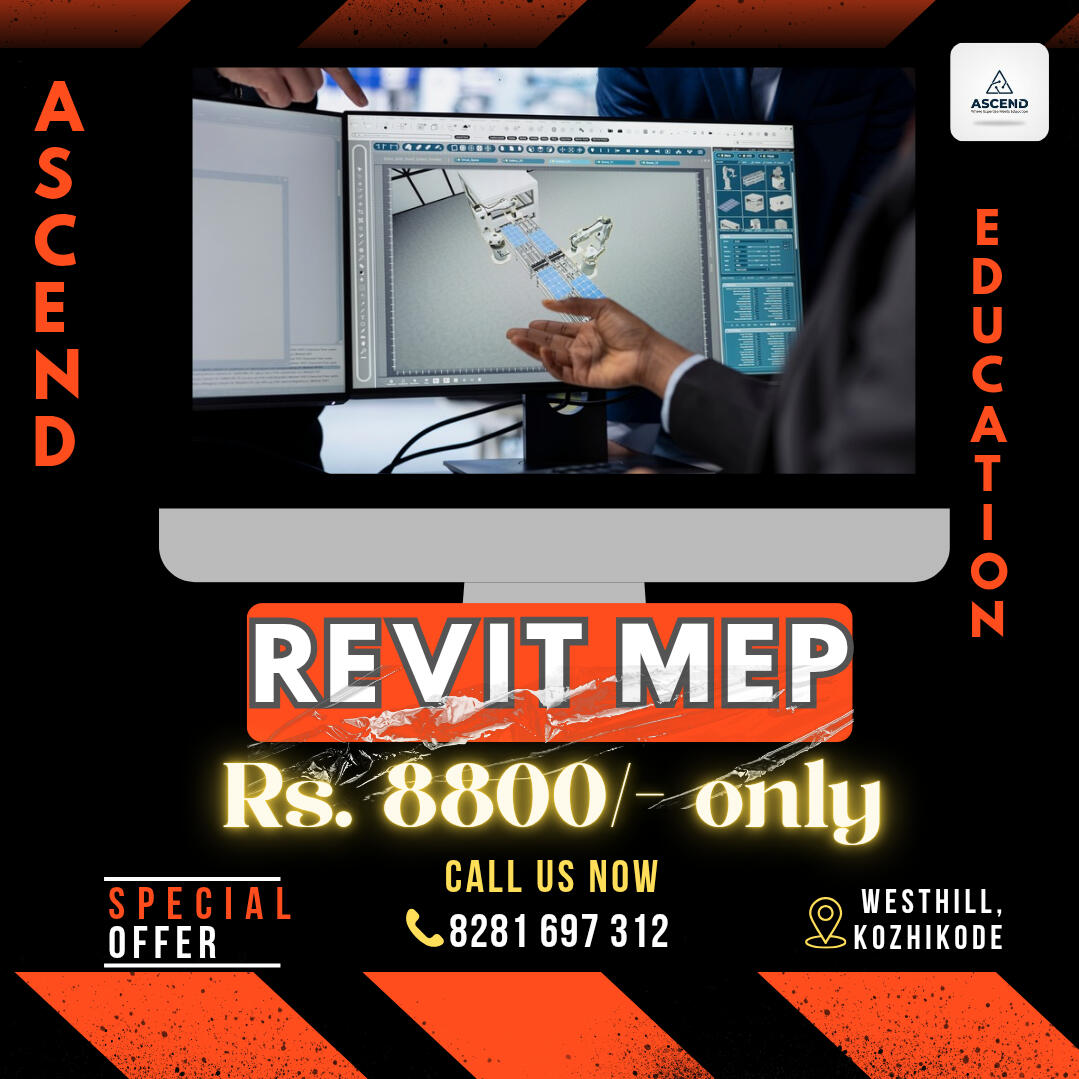

Learn Revit MEP from Scratch-Live and Recorded
Get step-by-step guidance through our expertly designed 3-month course. Learn mechanical, electrical, and plumbing design using Revit live with instructor support and full access to recorded sessions for anytime revision.

Master Real-World MEP Projects & Workflows
Understand real site applications and workflows used by top firms. Practice hands-on with industry-relevant examples so you can confidently design MEP systems for residential and commercial projects.

Earn CTDS Certification & Career Support
On course completion, receive a CTDS Certification to boost your portfolio. Get guidance on freelancing, interviews, and career paths in the construction design field perfect for career switchers and freshers alike.
About this course and FAQ'S
Transform your future with ASCEND’s 100% Online, Job-Ready Revit MEP course. No experience needed. Just commitment.
⚠️ What is Revit MEP and why is it in demand?
Revit MEP is Autodesk’s BIM software for designing Mechanical, Electrical, and Plumbing systems. It's the industry standard and in high demand for MEP jobs in India and abroad.
⚠️ Do I need any prior software knowledge?
No, this course is beginner-friendly. We train you from scratch

👀 Are the recorded classes enough if I miss a live session?
Absolutely. All live sessions are recorded and shared for lifetime access, so you can learn at your own pace or revise any topic anytime.
🎉 Is the certification valid for jobs?
Yes. The CTDS certification is valid for jobs in India and abroad. CTDS is ISO 9001:2015 certified and accredited by MSME, NIELIT, NIESBUD, and registered under NITI Aayog. The certificate is also eligible for embassy attestation, making it valuable for both employment and freelancing.

We’ll cover everything you need to know to master Revit MEP.
Get complete clarity on what you'll learn,module-wise breakdown of Revit MEP, from basics to real-world project execution.
Session 1: An Introduction to Revit MEP▪ Introduction to Revit MEP Design
▪ Graphical User Interface: Ribbon, Tabs, Customizing ribbon, Quick access toolbar, OptionsBar, Properties Palette, Project Browser, View Control Bar, Status Bar
▪ User Interface Control, Keyboard Shortcuts
Session 2: Work-sharing▪ Central files, Create a New work set, Create a new Local file, Synchronizing a Local file with Central file
▪ Work sharing: Working with Linked Revit file, Placing Link Revit file
▪ Using Shared Coordinates, Managing Revit Links, Controlling Visibility of Revit Links
▪ Monitoring Elements within Shared Models: Copy/Monitor, Copy/Monitor Workflow for Linked Models, Reviewing Warnings for Monitored Elements, Stopping Element Monitoring
▪ Link CAD Files
▪ Exercises included for Practice
Session 3: HVAC Cooling and Heating Load Analysis▪ Space Modeling: Placing Spaces, Space Property Schedule,Modify Space-Properties, Zones
▪ Performing Heating and Cooling Load Analysis Supply Airflow schedule: Load Analysis,Heating and Cooling loads report
▪ Logical systems, Mechanical settings, System Browser
▪ Setting Up Air Systems: Parameters
▪ Mechanical System & Duct Work: Air distribution components
▪ Mechanical Equipment Components : Air Conditioning/Handling Units, VAV Boxes
Session 4: HVAC Cooling and Heating Load Analysis▪ Duct Work: Create New duct Types, Automatic Duct routing, Manual Duct routing
▪ Mechanical Piping System: Parameters, Creating Pipe systems, Selecting Fitting for Pipe Types, Mechanical pipe settings
▪ Pipe Routing Options : Automatic & Manual Pipe Routing
▪ Pipe Fittings : Using Pipe Fitting controls & Placing Fittings
▪ Exercises included for practice
Session 5: Efficient Lighting DesignSpaces and Lighting, Reflected Ceiling plan
▪ Lighting Analysis
▪ Light Fixtures, Ceiling changes, Overhead fixtures, Wall mounted lights, Switches
▪ Power and Communications: Modeling Methods for Power and Systems Devices, Using Annotation Symbols, Using Face Hosted Families , Avoiding Interference of Symbols ,Creating Circuits
Session 6: Efficient Lighting Design▪ Creating Power Distribution Systems: Modeling Conduit and Cable Tray, Defining Electrical Settings ,Placing Conduit in a Model, Placing Cable Tray in a Model
▪ Circuiting and Panels: Establishing Electrical Settings, Wiring Settings, Voltage Definitions, Distribution Systems, Load Calculations, Creating Circuits and Wiring for Devices and Fixtures, Editing Wiring, Editing Circuits, Drawing Wires Manually, Controlling Wire Display, Managing Circuits and Panels, Circuit Properties, Wire Properties, Panel Properties
▪ Exercises included for Practice
Session 7: Plumbing▪ Working with Plumbing Fixtures , Sloping Pipe ,Annotating Invert Elevation and Slope
▪ Use Fittings, Using Pipe Fitting Controls
▪ Exercises included for Practice
Session 8: Family Creation▪ Reference Planes and Lines, Constraints and Dimensions
▪ Parameters : Type parameters, Instance Parameters, Parameter Discipline, Type, and Grouping, Type catalogs, Formulas, Lookup tables, Shared parameters, Project parameters
▪ Family Types, Solid Modeling: Extrusions, Blends, Revolves, Sweeps, Swept Blends, Join geometry, Voids, Visibility control
▪ Duct Connector, Pipe connector, Electrical connector
▪ Exercises included for Practice
Wall of Love
See what others are saying—real stories from creators who transformed their projects with Carrd using this course
Get a testimonial widget integration with Testimonial.to or Senja
Still Confused? Let’s Make It Simple
Don’t Decide Blindly – Join Our Next Live Demo Session
Online Revit MEP Course
Introduction to MEP Syllabus
Password Protect this section using either a simple free plugin like Password protected plugin (Jason's plugins for Carrd)
or a more secure paid integration with Outseta or the Userbase - SDK template

Enroll now
Limited time offer
Password Protect this section using either a simple free plugin like Password protected plugin (Jason's plugins for Carrd)
or a more secure paid integration with Outseta or the Userbase - SDK template